
To update progress on each scene as you shoot, tap the segmented control at the bottom of the Details screen.
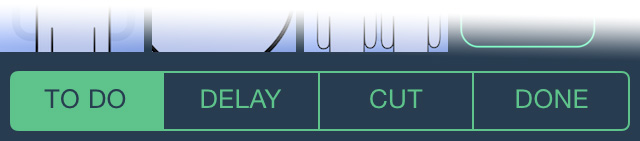
The available status for each scene is:
“To Do“- Scene remains to be shot.
“Delay”- Scene should be rescheduled.
“Cut”- Scene has been deleted.
“Done”- Scene has been completed.
The colour of the strip provides a visual indication of its current status.
When a scene is set “To Do” the colour indicates the time of day and int/ext location of the scene, to aid in sorting your scenes efficiently on the stripboard.
If a scene is marked as “delayed” it turns red, so that you can see to reschedule it later.
When a scene is shot, or cut, the strip is greyed out.
 Soluble Apps