
Version 11.0 of our popular Group Email app Mailshot brings a couple of useful fixes for everyone, and optimisations for iOS26 and 27 and Liquid Glass.
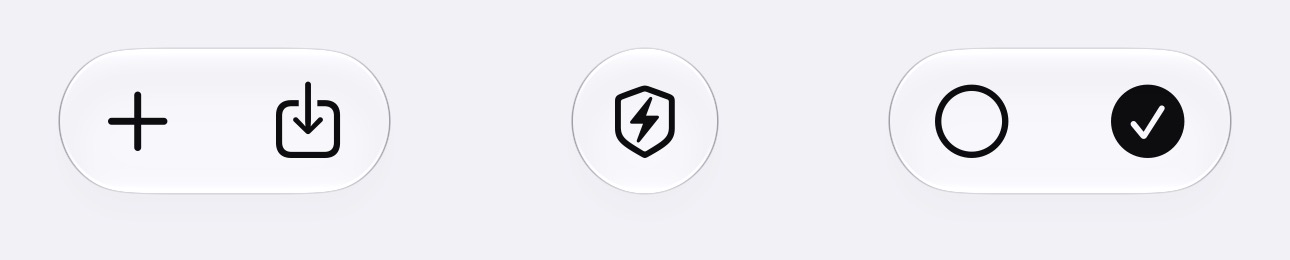
Buttons on the group edit page are now icons, representing ‘+’, ‘Import’, ‘Check Domains’, ‘Select None’ and ‘Select All’- All the same options as before, in the same order. (NOTE: That second icon is ‘Import’, not ‘Export’ or ‘Share’. Look there for multiple ways of importing contacts or entering them manually)
iOS26 blocked the Email Compose window’s Cancel button, preventing quitting an email or saving it to drafts. This update brings a workaround for iOS26, where you now tap outside the window to ‘Save To Drafts’ (there was no delete option possible). In iOS27, choose between “Delete” or “Save to Drafts” by pulling down from above the window.
The Email Compose window is now more robust when you move MailShot to the background, so iOS should be a lot less prone to lose your work when memory gets tight.
There were big enhancements to the Mailshot share extension, which lets you share things like photos to email groups from other apps. It now lets you send MANY more images at once (I have sent 40 fairly large images to a group, but this may still be limited by your email provider). TIP this can block memory for a while, so you may be unable to share twice in a row. A simple trick to free up this memory is to share a single image to Mailshot, then cancel it without sending
For those of you who have the optional Domain Checker, we now also check for internet domains with https:// websites, as well. This should prevent some false hits.
I hope you find the update useful.


